Getting your manuscript ready for publication can feel like one of those jobs that should be simple, but somehow turns into a weekend-long puzzle. You’ve written the book. You’ve revised it. Maybe you’ve even had it edited. Now you’re staring at margins, headers, page breaks, fonts, and chapter titles, wondering what the right book manuscript format actually looks like. That confusion is normal. Many writers reach this stage and realize that great writing alone is not enough. Presentation matters too.
That’s where professional support can make a real difference. Many authors use book formatting services USA when they want their manuscript to look polished in both print and digital editions without spending days wrestling with layout problems.
The good news is that formatting a manuscript is not mysterious once you understand the basics. A clean book manuscript format helps agents, editors, publishers, and readers move through your work without distraction. It also reduces the chances of technical issues during upload to Amazon KDP or other self-publishing platforms.
In this guide, I’ll walk you through the essential steps, common mistakes, and practical choices that shape a professional book manuscript format. Whether you’re creating a print-ready file in Microsoft Word or prepping an e-book for Kindle, the goal is the same: make your book easy to read, easy to review, and easy to publish.
Why Book Manuscript Formatting Matters
A strong story can lose momentum when the document looks messy. Inconsistent spacing, random font changes, broken page numbers, or sloppy chapter breaks make a manuscript harder to read. That does not mean your book is bad. It just means the experience of reading it becomes harder than it should be.
A proper book manuscript format shows care and professionalism. It helps editors focus on the content instead of the layout. It also helps self-publishing platforms detect chapters, generate a clean table of contents, and display your text properly across different screen sizes.
For digital publishing, formatting is even more important than many new authors expect. E-books are reflowable, which means readers can change text size, font style, and device orientation. A solid book manuscript format keeps the document flexible while preserving continuity and readability.
If you plan to publish both print and e-book editions, your manuscript needs a structure that works in both worlds. That usually means building a clean master document first, then adapting it for each format.
What a Standard Book Manuscript Format Includes
When people talk about book manuscript formatting, they usually mean two slightly different things. One is submission formatting for agents, editors, or publishers. The other is publication formatting for print books and e-books. The basic document structure overlaps, but the final output is different.
For a submission-ready book manuscript format, the standard usually includes a readable font like Times New Roman, 12-point type, double spacing, one-inch margins, paragraph indents, page numbers, and clear chapter breaks. The purpose is readability and consistency.
For a publication-ready book manuscript format, the details become more design-focused. You may choose different fonts, line spacing, trim size, headers, footer placement, drop caps, image placement, front matter, and back matter. This version must also work with printing requirements or e-book formatting tools like Kindle Create.
The most important thing is to know which version you are preparing. A manuscript sent to an agent should not look like a fully designed print interior. A book uploaded to KDP should not look like an unstyled draft from Google Docs.
Step 1: Start With a Clean Document
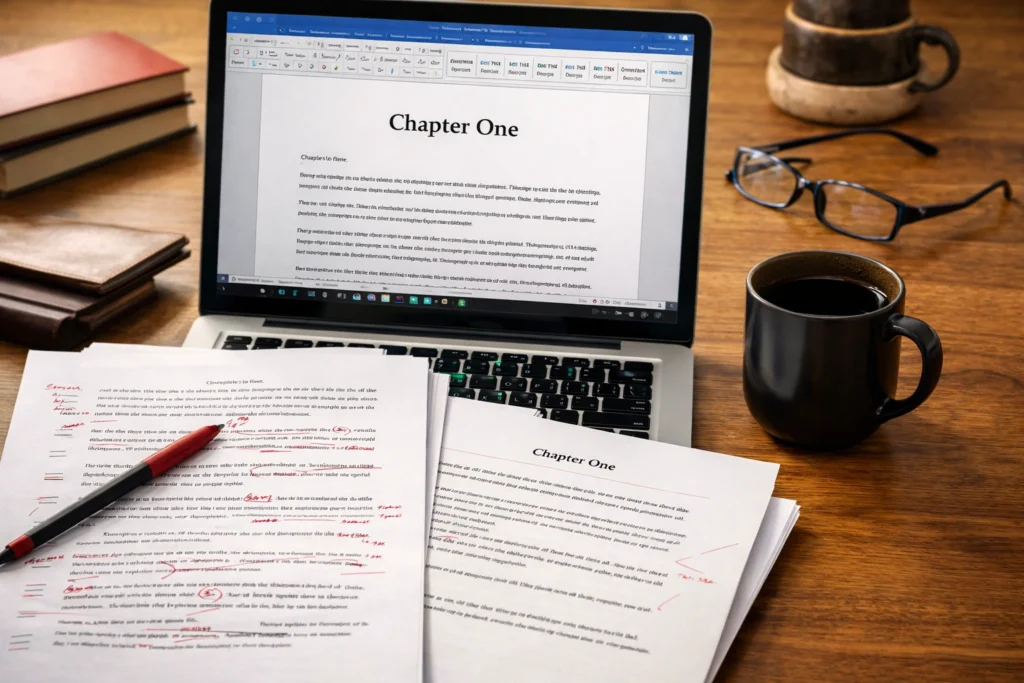
Before you style anything, clean up the file. This step saves time later. Open your manuscript in Microsoft Word, Pages, or Google Docs and remove old formatting leftovers. These usually include extra spaces, inconsistent paragraph indents, multiple font styles, hard tabs, manual line breaks, and random empty lines.
A clean book manuscript format starts with consistency. Use one font in the drafting stage. Use one paragraph style for body text. Use page breaks instead of pressing Enter over and over to move to a new chapter. Avoid tab-spaced paragraphs created manually if your software can apply a first-line indent through paragraph settings.
This part feels boring, but it prevents bigger formatting issues later. If your file is full of patchwork fixes, it becomes much harder for formatting software, ebook formatting services, or Kindle Create tools to interpret the document correctly.
Step 2: Choose the Right Font, Spacing, and Margins
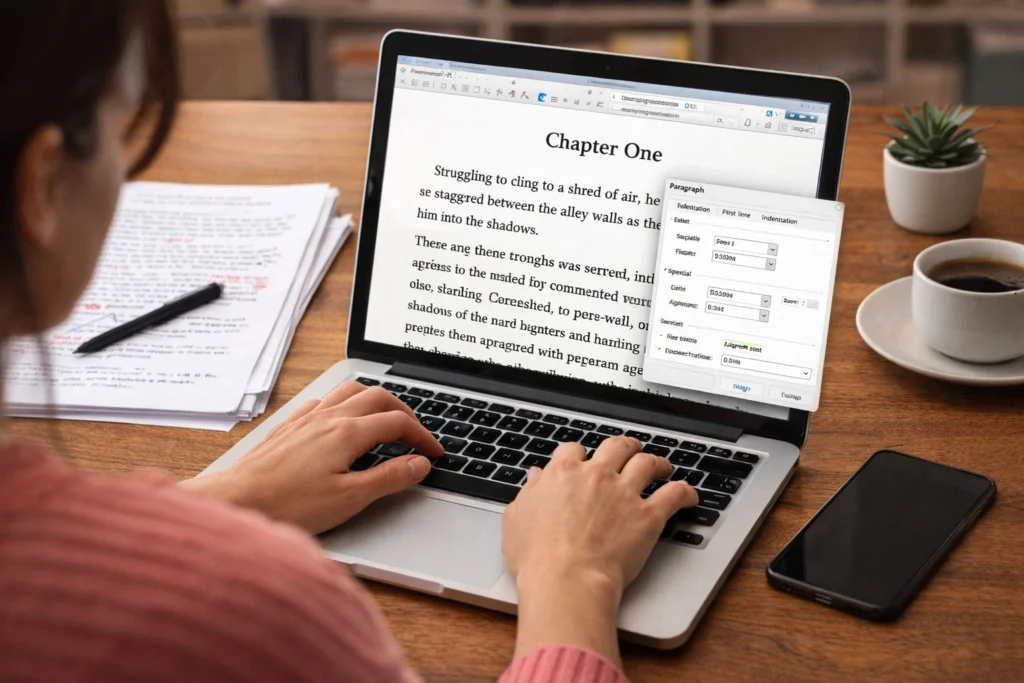
For a submission-ready book manuscript format, keep it simple. Use a standard serif font such as Times New Roman or Georgia in 12-point size. Set margins to one inch on all sides. Double-space the document unless submission guidelines say otherwise.
For publication, you can choose fonts that better suit the tone of the book, but readability still comes first. Fancy fonts often look worse in long-form reading than authors expect. Your book body should feel invisible. The design should support the words, not compete with them.
Spacing matters just as much as font choice. Paragraphs should be consistent from start to finish. Do not mix block paragraphs with indented ones unless you are doing it on purpose for design reasons. A reliable book manuscript format creates a steady reading rhythm, and that rhythm helps readers stay inside the story.
Step 3: Format Chapter Titles and Headings Properly
Chapters should be easy to identify. That sounds obvious, but a surprising number of files use uneven chapter styles. One chapter title is centered, the next is left aligned, the next has extra spacing, and suddenly the manuscript feels unsteady.
A professional book manuscript format uses a consistent structure for chapter titles, scene breaks, subheadings, and section openers. In Word, use styles rather than manually changing each heading. That is not just a neatness issue. Amazon KDP’s own guide says, “As you write your book, apply Heading 1 to chapter titles.” because it helps later when you build your table of contents. Ref: Amazon Kindle
If you are creating an e-book, clear heading styles also help generate a hyperlinked table of contents. That makes navigation easier for readers using a Kindle e-reader, tablets, or phone apps.
Keep scene breaks simple too. A centered symbol, three asterisks, or a blank line can work. Just choose one method and stick with it.
Step 4: Build the Front Matter and Back Matter
A finished book manuscript format is more than the story itself. It also includes front matter and back matter. These sections give your book a complete, professional shape.
Front matter often includes:
- Title page
- Copyright page
- Dedication
- Epigraph
- Table of Contents
- Preface or introduction
Back matter may include:
- Acknowledgments
- About the author
- Also by the author
- Footnotes or endnotes
- Bibliography
- Links to other books or your website
For print, page numbers and blank pages may matter. For e-books, hyperlinks and a clickable TOC become more important. This is where many authors decide to Learn more about our book formatting services to get your eBook and print books professionally formatted. Once front matter and back matter are involved, the document structure gets more technical.
Step 5: Use Page Breaks, Not Extra Returns
This is one of the most common formatting mistakes. New writers often hit Enter repeatedly to move to the next chapter or start a new section higher on the page. It works for the moment, but it creates chaos later.
A proper book manuscript format always uses page breaks. That keeps chapters stable even when editing changes the page count. It also makes your file easier to convert into print layout or e-book files without odd gaps appearing in preview mode.
The same idea applies to spacing before headings, after paragraphs, and around images. Let the formatting settings do the work. Manual fixes usually break when the document is exported, resized, or uploaded.
Step 6: Handle Page Numbers, Headers, and Footers Carefully
For print books and submission documents, page numbers are essential. They help editors, proofreaders, and designers reference specific pages quickly. A submission-ready book manuscript format usually places page numbers in the header along with the author name or book title, depending on the guidelines.
For printed interiors, headers and footer placement depend on the trim size and design. Fiction books often omit headers on chapter opening pages. Nonfiction books may use running heads for navigation. E-books are different. Since content is reflowable, fixed page numbers are usually not useful in the same way.
This is where writers sometimes get frustrated. What looks perfect in Word may not carry over neatly into Kindle Direct Publishing. That does not mean your file failed. It means print and e-book formatting follow different rules.
Step 7: Prepare for E-Book Formatting
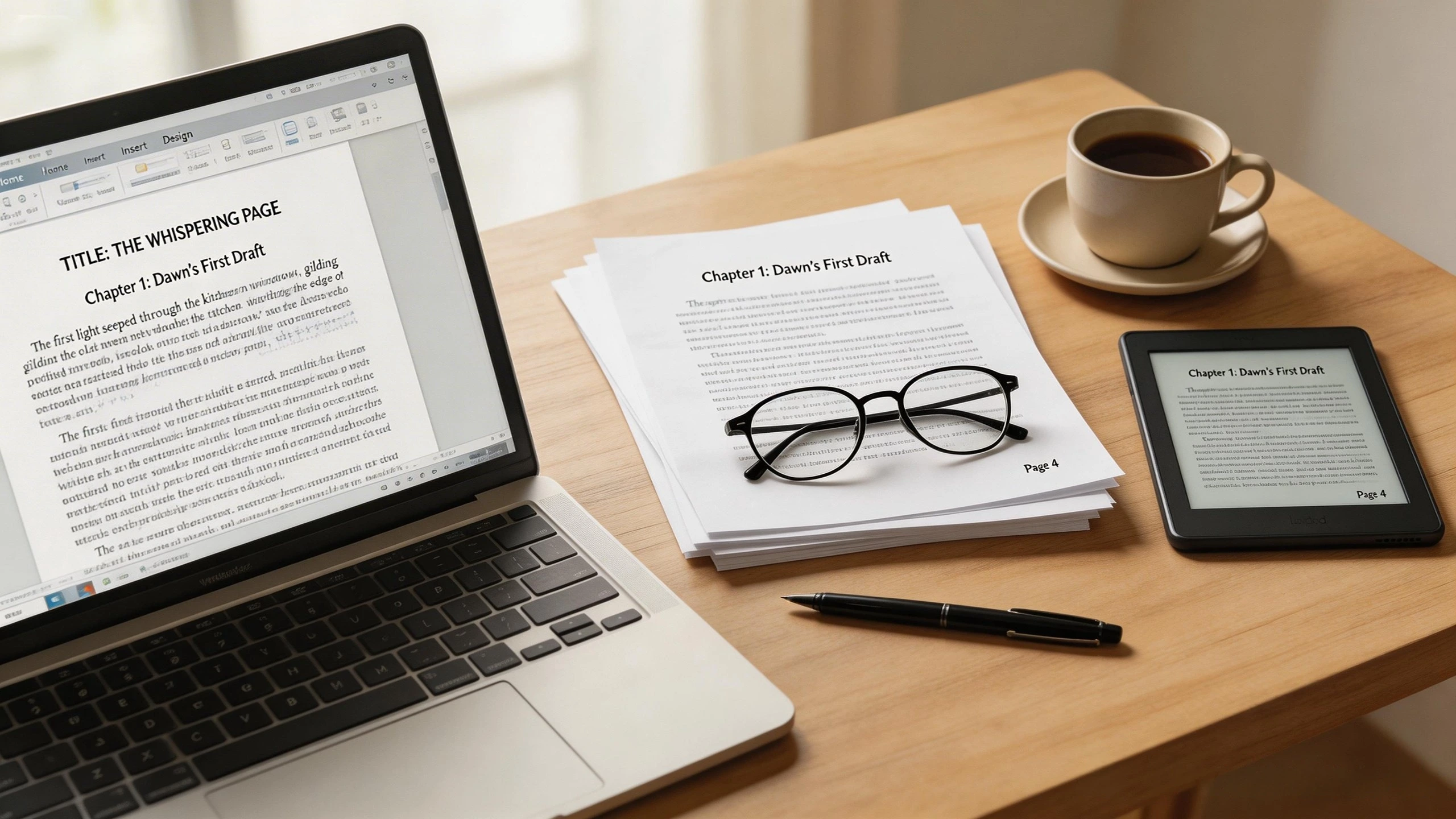
If you are self-publishing through Amazon, your book manuscript format needs to adapt for e-book reading. Kindle users can adjust font, spacing, and text size, so the book should not depend on rigid page layout.
A clean e-book file should include:
- Proper chapter headings
- A clickable Table of Contents
- Minimal manual spacing
- Resizable images where needed
- Working hyperlinks
- Clean paragraph styles
- Logical document structure
Tools like Kindle Create help convert Word documents into Kindle-friendly files. You can preview how the book appears across different screen sizes and catch formatting issues before upload. This part matters because even small layout problems can hurt the reading experience and lead to avoidable errors during publishing. Amazon’s own Kindle formatting guidance is useful here, especially for chapter styling and preview steps. Ref: Amazon Kindle
Authors often assume e-book formatting is just a quick export. It rarely is. A strong book manuscript format for digital publishing requires testing, previewing, and adjusting until the structure behaves correctly.
Step 8: Watch for Common Formatting Mistakes
Even careful writers make formatting errors. The key is catching them before publication. Here are some of the biggest issues that affect book manuscript formatting:
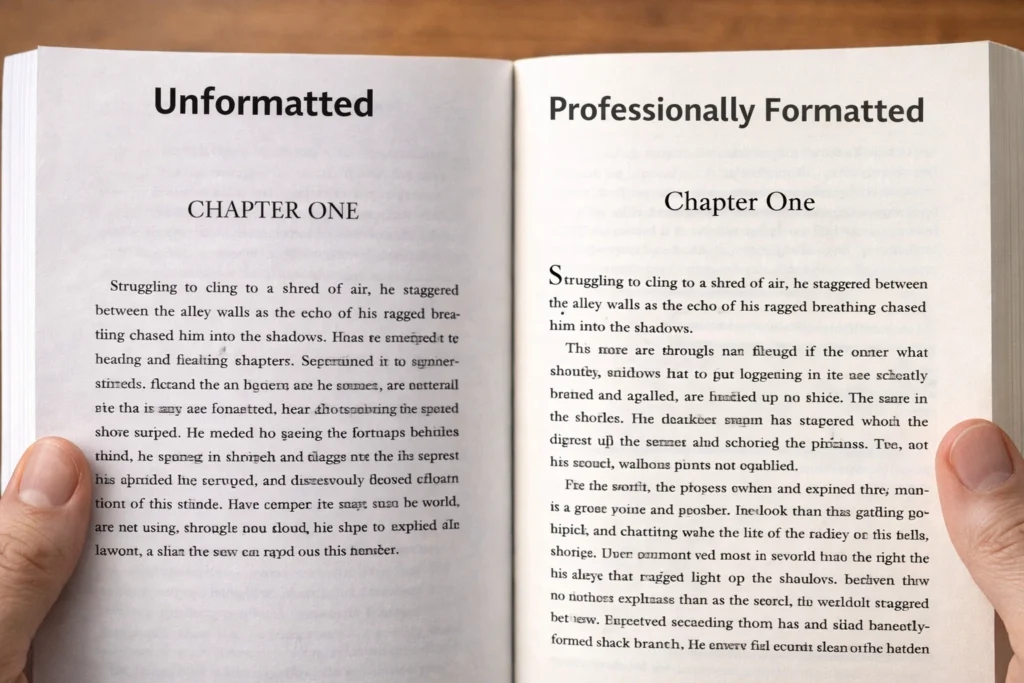
Extra spaces between paragraphs can make a novel look amateur. Mixed fonts break continuity. Manual line breaks can create awkward gaps. Broken chapter detection can ruin your TOC. Footnotes may display poorly in some e-book conversions. Images may shift or resize strangely. Hyperlinks can fail if they are not inserted correctly.
Another common issue is copying text from different sources. Material pasted from websites, older drafts, or Google Docs may bring hidden formatting code with it. That can confuse formatting software and create strange behavior during the publishing process.
A clean final pass through the manuscript helps prevent rejection by platforms or unnecessary delays in upload approval.
Step 9: Decide When to Do It Yourself and When to Hire Help
Some authors enjoy formatting. Others would rather do almost anything else. There’s no shame in either approach. If you are comfortable working in Word, checking styles, creating page breaks, and testing files in Kindle preview mode, you may be able to manage your own book manuscript format.
But if you are publishing in multiple formats, using images, including footnotes, or aiming for a polished commercial look, professional book manuscript formatting services can save a lot of stress. A good formatter understands trim sizes, TOC links, print margins, device compatibility, and common KDP pitfalls.
That kind of help becomes even more useful when your book is moving into the wider market. Pairing your formatting with top book formatting services can strengthen your interior presentation, while strong visuals from book cover design services USA give the exterior the same level of care.
And once the book is ready, visibility matters too. A polished file won’t do much sitting unseen on a sales page, which is why many self-published authors also explore Affordable Book Marketing Services USA after publication.
Step 10: Final Checklist Before You Publish
Before uploading your file, review the full book manuscript format from beginning to end. Check that chapter titles are consistent. Confirm that front matter and back matter appear in the right order. Test all hyperlinks. Make sure the TOC works. Review images for placement and resolution. Scan for blank pages, broken indents, or inconsistent spacing.
Then preview the file in the format your readers will actually use. For print, review a print-ready PDF carefully. For e-books, use Kindle preview tools to test across devices. Look at the file on a phone-sized screen and a larger tablet screen. This is where awkward breaks and hidden formatting issues often show up.
A strong book manuscript format should feel invisible to the reader. They should notice the story, the ideas, and the flow, not the mechanics behind them.
The Real Goal of Good Manuscript Formatting
Formatting is easy to dismiss when you are still emotionally attached to the writing stage. It can feel technical, fussy, even a little unfair. After all, you already did the hard part by writing the book.
But formatting is part of how the book earns trust. A clean book manuscript format tells the reader they are in good hands. It signals that the content has been handled with care. It makes the publishing process smoother, reduces technical headaches, and helps your book compete on the same shelf as professionally produced titles.
You do not need to become a design expert overnight. You just need to respect the document structure, understand the difference between print and e-book requirements, and make choices that support readability. Once you do that, the manuscript stops feeling like a rough file and starts looking like a real book.
And if your next step is getting that file ready for Amazon, it also helps to understand the platform rules before you upload. Our guide to Amazon KDP Publishing Requirements walks through what authors need to know before publishing in 2026.
FAQs About Book Manuscript Formatting
What is the standard book manuscript format for submissions?
A standard book manuscript format for submissions usually includes 12-point Times New Roman, double spacing, one-inch margins, page numbers, paragraph indents, and clear chapter breaks. Always check the specific submission guidelines of the agent or publisher before sending your manuscript.
Is book manuscript formatting different for print and e-books?
Yes, very different. Print formatting focuses on page layout, trim size, margins, headers, and page numbers. E-book formatting focuses on reflowable text, clickable TOC links, responsive images, and readability across screen sizes. A strong book manuscript format often needs separate versions for print and digital publishing.
Can I format my manuscript in Microsoft Word?
Yes. Many authors use Microsoft Word to create a clean book manuscript format. Word works well for drafting, editing, and preparing files for conversion. The key is using styles, page breaks, paragraph settings, and structured headings instead of manual fixes.
What is the biggest formatting mistake first-time authors make?
The most common mistake is manual formatting. That includes using repeated spaces, tabs, extra line breaks, and inconsistent heading styles. These shortcuts often create problems during e-book conversion or print layout.
Do I need ebook formatting services if I already have a Word document?
Not always, but many writers benefit from ebook formatting services when they want a polished result for Kindle, KDP, or other platforms. A Word file is a starting point, not always a finished publishing file.
What should be included in the front matter of a book?
Front matter usually includes the title page, copyright page, dedication, TOC, and sometimes a preface or introduction. The exact structure depends on the type of book and whether it is for print or e-book publication.
How do I make a clickable Table of Contents for Kindle?
A clickable TOC is usually created by applying consistent heading styles to chapter titles and then using Kindle Create or another formatting tool to generate the linked table of contents. This is one of the most important parts of e-book formatting.
Should I hire a book formatting service?
If your book includes images, footnotes, complex front matter, or multiple publishing formats, a book formatting service can save time and reduce errors. Professional book manuscript formatting services are especially helpful for authors who want a clean, market-ready presentation without handling the technical side themselves.